Things to Keep in Mind While Modernizing an Old Website

Share this post
Every website starts to feel old at some point. Design trends move on, user habits change, and search engines get smarter. If your website was built five or more years ago, it is probably doing less for your business than it should. Modernizing a website sounds simple on paper. Update the design, make it faster, and you are done. In reality, it is a bit more layered. Miss the wrong step, and you can lose search rankings, confuse your customers, or spend money on changes that do not move the needle. At Data Pulse Technologies, we have worked on website modernization projects across different industries, from education platforms to telecom service providers and compliance training companies. This guide walks through what actually matters when you modernize an old website, based on real project experience, not just theory.
Understand Why Your Website Needs Modernization
Before you touch a single page, it helps to know exactly why your current website is holding you back. This is the step most businesses skip, and it is usually the reason a redesign does not deliver the results people expect.
Common Signs Your Website Is Outdated
Some signs are easy to spot. Your site looks dated compared to competitors. It takes forever to load. It breaks on phones. Others are quieter but just as damaging, like a high bounce rate, low time on page, or a drop in leads even though your traffic looks fine.
The Cost of Delaying Website Modernization
An outdated website does not just look bad. It costs you business. Visitors judge a company within seconds of landing on its site. A slow or confusing website pushes potential customers straight to a competitor. The longer you wait, the more that adds up in lost leads and lower trust.
Set Clear Business Goals Before You Begin
A website redesign without a goal is just a new coat of paint. Before any design work starts, decide what the website actually needs to achieve for your business.
Align Your Website with Business Objectives
Are you trying to generate more leads, support online sales, reduce support calls, or simply build more trust with new visitors? Every decision later in the project, from layout to content, should support this main goal.
Define Success Metrics
Pick a few numbers you will track after launch. This could be conversion rate, average time on site, page load speed, or the number of quote requests. Having these numbers ready before launch makes it much easier to know if the modernization actually worked.
Decide Whether to Modernize or Completely Rebuild
Not every old website needs to be torn down. Sometimes updating what already exists is faster, cheaper, and just as effective.
When Website Modernization Is the Better Choice
If your website's structure is sound and the main issues are design, speed, or content, modernization is usually enough. You keep your existing SEO value and content while fixing what is actually broken.
When a Complete Rebuild Makes More Sense
If your website runs on outdated or unsupported technology, cannot be updated safely, or was built without any real structure, a rebuild is often the better long-term investment. Trying to patch a broken foundation usually costs more in the end than starting fresh.
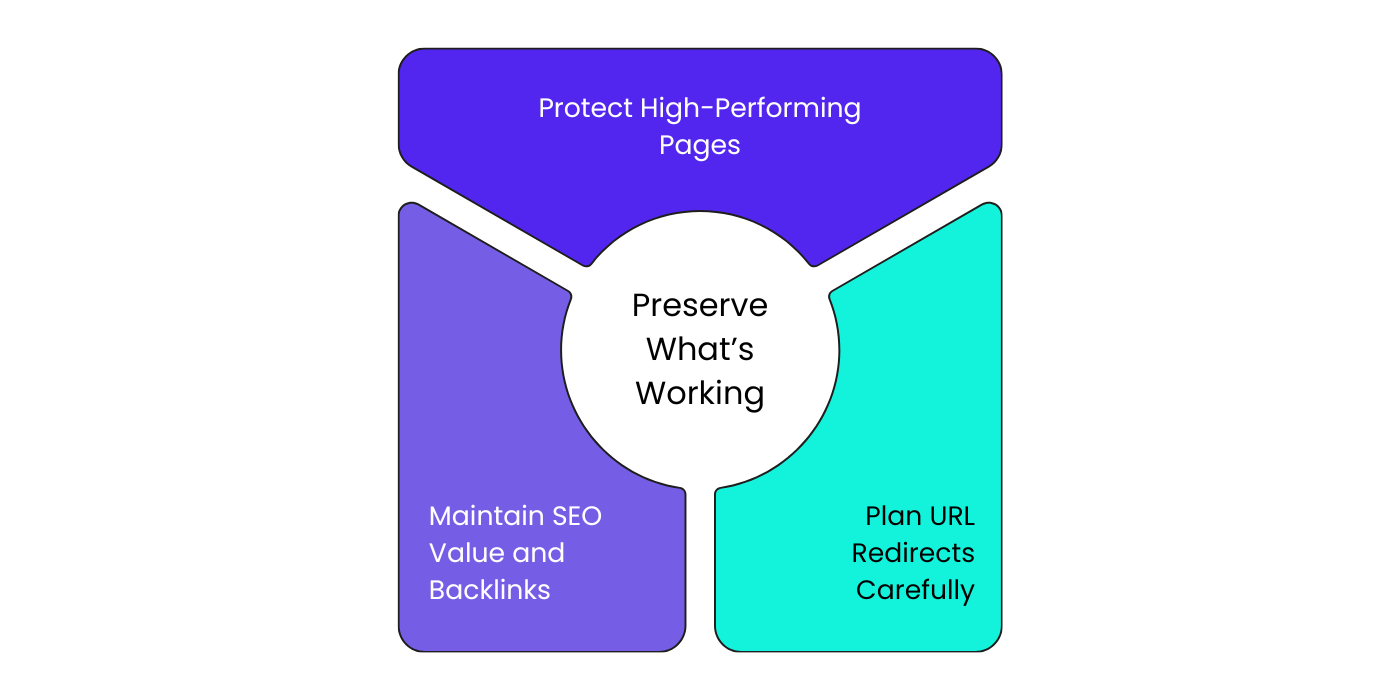
Preserve What Is Already Working
It is tempting to change everything during a modernization project. Resist that urge. Some parts of your old website are quietly doing their job well, and losing them can hurt more than it helps.
Protect High-Performing Pages
Look at your analytics before you start. Some pages may already rank well or convert visitors reliably. Keep their core content and structure intact, even if you update the design around them.
Maintain SEO Value and Backlinks
Years of content and backlinks build up real SEO value. If pages are removed or restructured without a plan, that value disappears. Map out what stays, what changes, and what gets removed before development begins.
Plan URL Redirects Carefully
If any URLs change during the modernization, set up proper redirects for every single one. Missing redirects lead to broken links, lost rankings, and frustrated visitors who land on error pages instead of your content.
Build a Strong Technical Foundation
Modern design means nothing if the technical foundation underneath is weak. This is where most of the real impact happens, even though it is the part visitors never see directly.
Improve Website Speed and Core Web Vitals
Speed affects both user experience and search rankings. When we modernized the website for Unique Pioneer, a telecom infrastructure company, load time dropped to 1.1 seconds, an 88% improvement. That single change led to a 92% increase in contact form inquiries, since visitors no longer left before the page finished loading.
Make Your Website Mobile-Friendly
Most visitors will land on your site from a phone. If your old website was built before mobile-first design was standard, this is one of the biggest upgrades you can make. Every page, form, and button needs to work smoothly on a small screen.
Strengthen Website Security
Old websites often run on outdated software with known security gaps. Modernizing is a good time to update your CMS, add SSL, and close any security holes before they turn into a bigger problem.
Fix SEO Issues
Broken links, duplicate content, missing meta tags, and poor site structure quietly damage your search visibility over time. A technical SEO cleanup during modernization clears the way for everything else to perform better.
Prioritize User Experience Over Visual Design
A beautiful website that is hard to use will not perform well. User experience should guide your design choices, not the other way around.
Improve Navigation and Page Structure
When Data Pulse Technologies rebuilt the website for Jumping Up, an after-school and language-learning provider, we restructured the navigation around how parents actually search for programs. The result was 65% faster browsing and a 115% spike in sales after launch. Clear structure genuinely changes how people act on a site.
Create Clear Calls to Action
Every page should make it obvious what the visitor should do next. Whether that is booking a call, requesting a quote, or making a purchase, do not make people hunt for the next step.
Make Your Website Accessible
Accessibility is not a small extra feature. Readable font sizes, good color contrast, and keyboard-friendly navigation help real people use your site, including those using screen readers or other assistive tools.
Refresh and Strengthen Your Content
Design gets most of the attention during modernization, but content is what actually convinces visitors to trust and choose your business.
Update Outdated Information
Old prices, discontinued services, and outdated team information make a business look inactive. Go through every page and remove anything that no longer reflects your current business.
Create Content That Matches User Intent
Write content that answers the actual questions your visitors are searching for, not just what sounds good internally. Content built around real user intent performs better in search and keeps visitors engaged longer.
Build Trust with EEAT Principles
Search engines and visitors both look for Experience, Expertise, Authoritativeness, and Trust. Show real author names, real project outcomes, and real credentials wherever possible. Avoid vague claims that cannot be backed up with proof.
Make Your Website Ready for AI Search
Search has changed. People now find businesses through AI tools like ChatGPT, Gemini, and Google AI Overviews, not just traditional search results. Your modernized website needs to be built with this in mind.
Test Everything Before Launch
A modernized website should never go live untested. Small mistakes at this stage turn into big problems once real visitors arrive.
Check Website Performance
Run speed tests on both desktop and mobile before launch. Check load times across different pages, not just the homepage.
Test Forms, Navigation, and User Journeys
Click through every button, form, and menu yourself. Better yet, have someone unfamiliar with the project try to complete a real task, like requesting a quote, and watch where they get stuck.
Verify SEO and Analytics
Confirm that redirects work, analytics tracking is installed correctly, and search engines can properly crawl the new site before you announce the launch.
Common Mistakes to Avoid During Website Modernization
Even well-planned projects run into the same avoidable mistakes. Watching out for these can save you time, money, and traffic.
Focusing Only on Design
A visually stunning website that ignores speed, structure, and content will still underperform. Design is one part of modernization, not the whole project.
Ignoring Technical SEO
Skipping technical SEO during a redesign is one of the fastest ways to lose the rankings you already earned. It should be part of the plan from day one, not an afterthought.
Removing Valuable Content
Cutting older content just because it looks outdated can remove pages that were quietly ranking well or bringing in leads. Review before you remove.
Skipping Post-Launch Testing
Launching without proper testing means your visitors become your testers, and that rarely ends well. Test everything before the public sees it.
Final Thoughts
Modernizing an old website is not just about making it look current. It is about fixing what is actually holding your business back, whether that is speed, structure, content, or search visibility, while protecting everything that already works.
We have seen this play out directly across our own projects. Quality International moved from almost no search visibility to real growth and AI search presence. Jumping Up saw a real sales increase after a simple, clear website structure replaced a confusing one. Unique Pioneer turned a slow, outdated presence into a fast, trusted platform that brings in more inquiries.
If your website needs this kind of change, Data Pulse Technologies can help you plan and execute a modernization that actually delivers results, not just a new look. Get in touch with our team to talk about where your website stands today and what a modern version of it could look like.